> For the complete documentation index, see [llms.txt](https://docs.elven.com/v3/llms.txt). Markdown versions of documentation pages are available by appending `.md` to page URLs; this page is available as [Markdown](https://docs.elven.com/v3/chinese/settings/cha-kan-cao-zuo-ji-lu.md).
# 查看操作记录
{% hint style="info" %}
本帮助文档介绍了如何在项目安全管理模块中查看操作记录,包括操作内容、时间、主体、成员等信息,并支持按活动类型、主体、成员进行筛选。
{% endhint %}
## 1. 进入项目安全管理
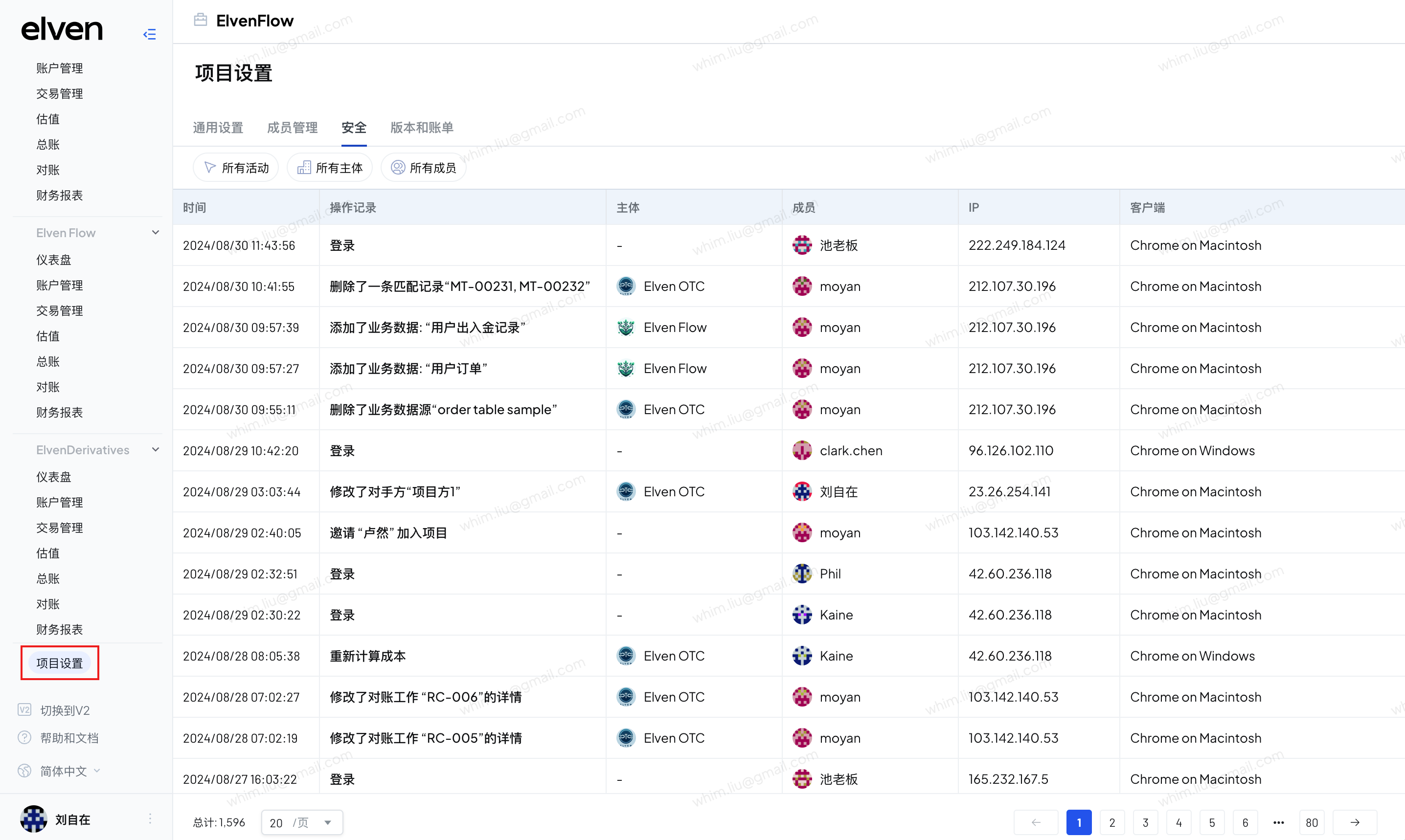
1. 在项目首页,导航到“项目设置”页面。
2. 找到并点击“安全”选项。
## 2.查看操作记录
1. 系统记录了操作内容、时间、主体、成员、ip、客户端信息
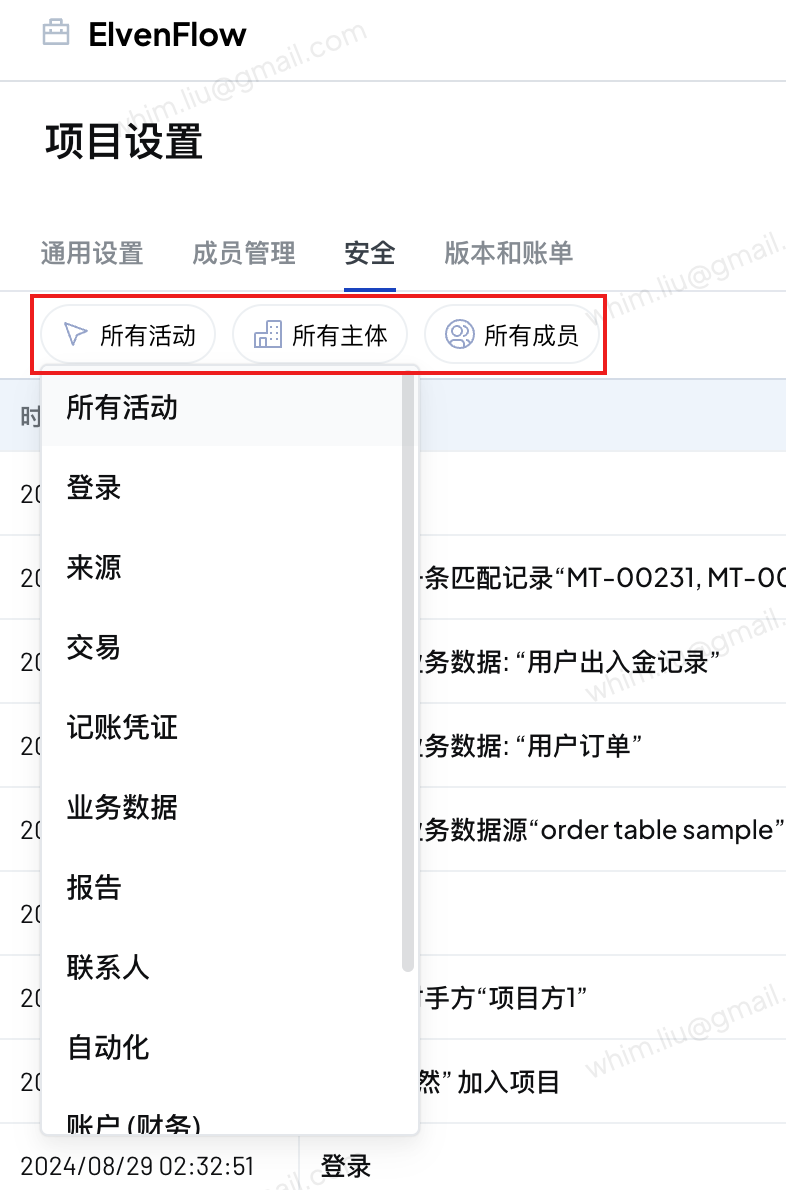
2. 您可以按照活动类型、主体、成员进行筛选